Home › Desk setup ideas › Dual monitor desk setup ideas
Dual monitor desk setup ideas
Two screens change how a desk works — and how much of it you have left. Before committing, the question that matters is width: two 27-inch panels plus a keyboard need real desk to breathe, and a monitor arm buys back the space the stands would eat.
Lay two monitors side by side (or stack them on an arm) in the free Juddesk planner and watch the desk fill up in real time. Everything here is scaled to the millimetre, so the layout you plan is the layout that fits.
Start from a layout
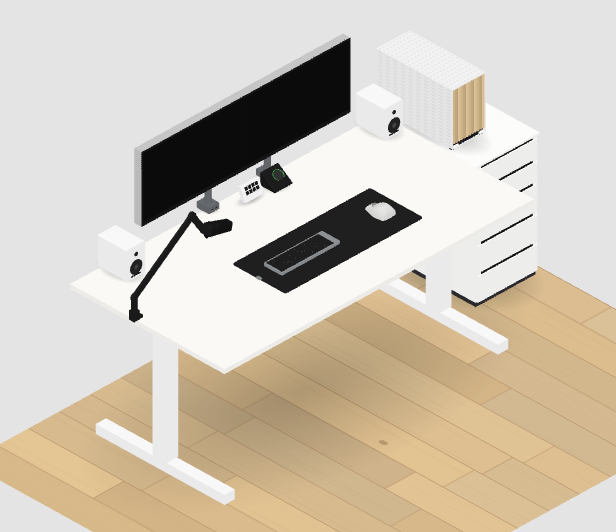
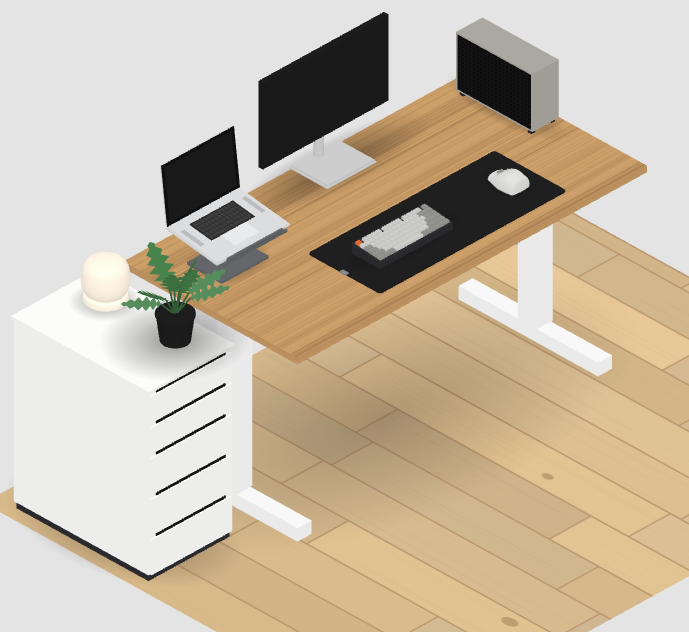
Gear in this look
Dell UltraSharp U2725QE
Dell · ฿22,790
Dell UltraSharp U2424H
Dell · ฿7,500
LIV Regular Single Monitor Arm
LIV · ฿2,190
Keychron K2 Max
Keychron · ฿4,690
Logitech MX Master 4
Logitech · ฿4,290
Orbitkey Desk Mat Slim
Orbitkey · ฿1,990
Make it yours
Every product above is modeled at true-to-life scale, so the layout you plan is the layout that fits. Recolor the desk, swap the gear, style the floor and walls, then share your setup or shop it — free, in your browser, no sign-up.